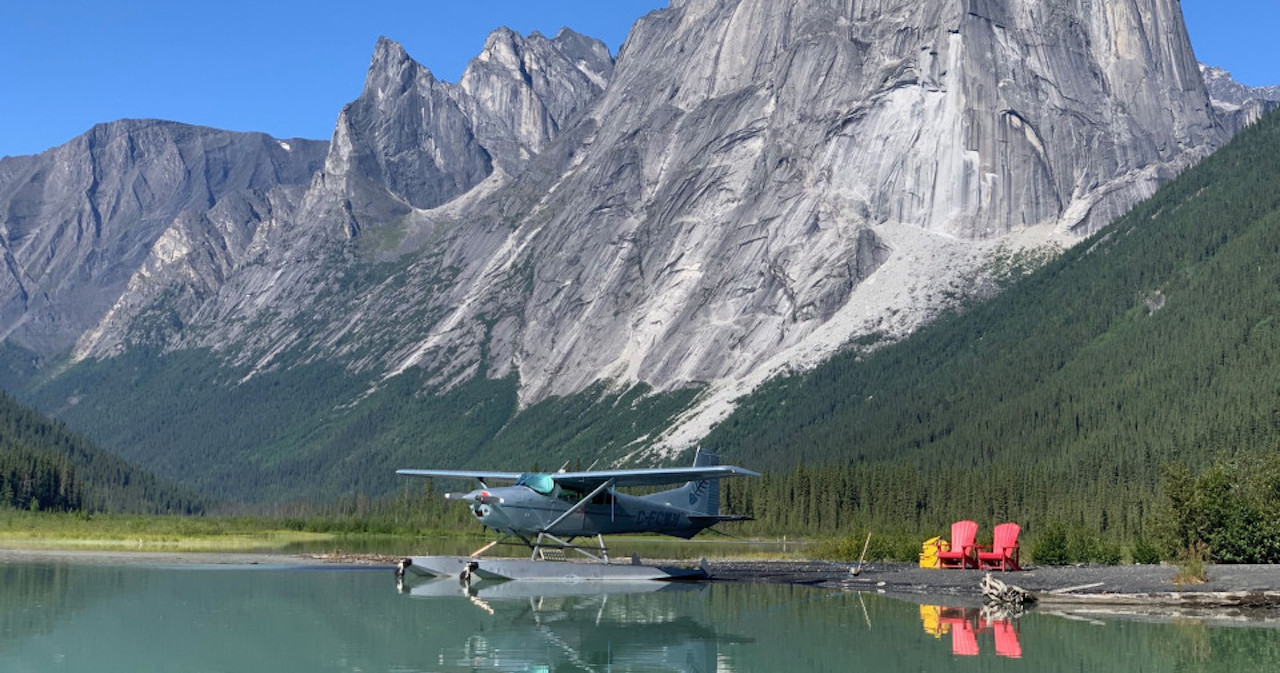
Idaho Foreflight content pack
Thu Oct 01, 2026 1:26 pm
Idaho Foreflight content pack
Hey guys, I improved upon a some user waypoints (KML) originally distributed several years ago by Advflying. Figured I'd share it with everyone. The two original KML files were merged into a content pack, a couple of duplicate strips were deleted, and the labels were improved quite a bit from original. Please let me know if you guys see anything that should be changed or added.
-
 Idaho_Backcountry_1_3.zip
- Content pack
- (458.84 KiB) Downloaded 20 times
Thu Oct 01, 2026 3:00 pm
Re: Idaho Foreflight content pack
That's awesome! Thanks for sharing!
- Scolopax offline

- Posts: 1718
- Joined: Tue Sep 27, 2005 5:02 pm
- Location: Nottingham
- FindMeSpot URL: http://share.findmespot.com/shared/face ... 4aYqSexnZC
Fri Oct 02, 2026 5:42 am
Re: Idaho Foreflight content pack
Pretty cool, thank you!!
Fri Oct 02, 2026 10:36 am
Re: Idaho Foreflight content pack
I thought I was pretty good with Foreflight. First, what a great project and my sincere thanks.
Possible to give me a short tutorial on uploading your files into Foreflight? Thanks.
Possible to give me a short tutorial on uploading your files into Foreflight? Thanks.

It takes a big man to cry. But it takes a bigger man to laugh at that man.
Fri Oct 02, 2026 1:03 pm
Re: Idaho Foreflight content pack
375handh wrote:I thought I was pretty good with Foreflight. First, what a great project and my sincere thanks.
Possible to give me a short tutorial on uploading your files into Foreflight? Thanks.
Sure, you'll need to first get the file to your device. I'm only familiar with the iPhone/iPad process, so Android may be different.
Step 1: Use some sort of cloud service to share the file to your device or download the file directly to your phone/tablet.
Step 2: Long press the zip file from your file browser and select "share"
Step 3: Share it directly to the Foreflight app.
Step 4: You will find the new layers at the bottom of the layer dropdown from the map screen
If you want to remove the content, navigate to settings>custom content, select the content pack and select delete.
I hope that helps.
Also one quick clarification: the strips file is meant to locate strips which do NOT already show up on Foreflight maps. IE: hoodoo meadows was deleted from the file because it now shows up on Foreflight.
DISPLAY OPTIONS
Who is online
Users browsing this forum: No registered users and 1 guest
Latest Features
-
-
Featured Bush Planes
As one of the undisputed legends of bush flying, the Cessna 180 hauls a…Read More -
Aircraft Ownership and Maintenance
9 modification mistakes aircraft owners make when trying to "bush out" their birds—why some…Read More -
Live to Tell
A Minnesota pilot is surprised to learn that the sudden asymmetric drag of an…Read More



Latest Knowledge Base
-
Destinations
Canada offers some of the most spectacular backcountry flying on the continent. Here's what you need to know before you go.Read More -
Safety and Survival
Hope that you never have to use your survival vest but knowing you have it and knowing how to use…Read More -
Destinations
A regional guide with ideas for winter camping destinations in California, Nevada, New Mexico, and Arizona.Read More -
Aircraft
Finding an affordable aircraft that can handle the backcountry for $80K or less? A challenge for sure, but with the…Read More